
Sign Up for BigClash Casino

Creating a BigClash Casino account is a two-minute process built around four short steps and a single secure form. Australian players gain immediate access to 10,000+ pokies, the live dealer studio, the sportsbook, and the welcome package after sign-up. This page walks through the full registration and login sequence, the KYC document checklist that activates withdrawals, and the account-security tools available inside every BigClash dashboard. All transactions and document uploads run through SSL-encrypted channels.
How to Register at BigClash Casino
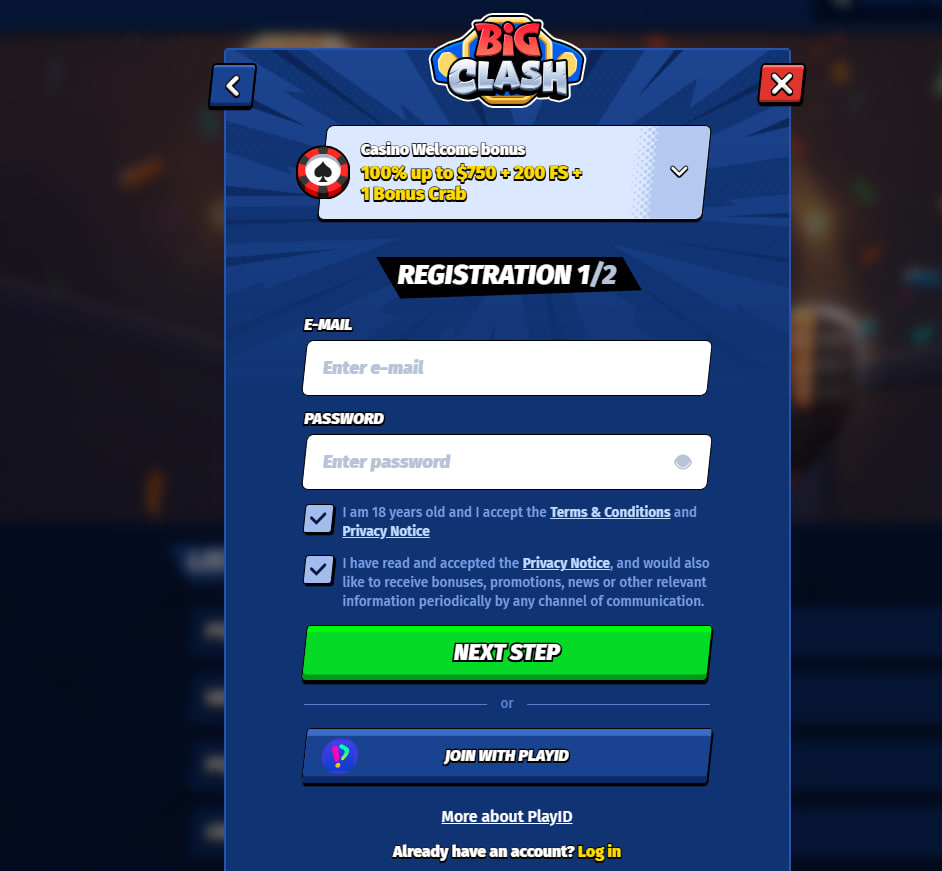
The registration process at BigClash follows a streamlined sequence designed for first-time Australian users. From the homepage, the "Register" button sits in the top-right corner of every screen — desktop and mobile alike. Selecting it opens a single form that flows through the following progression.
Registration Steps
- Enter a valid email address and create a password — minimum 8 characters, including at least one uppercase letter and one digit
- Select Australia as country of residence and AUD as the account currency
- Confirm age 18 or older and accept the terms and conditions
- Submit the form and open the inbox of the registered email
- Click the verification link inside the message to activate the account
Industry experts recommend using the exact name and residential address shown on the player's official identification document, since these details must match the proofs uploaded during later KYC verification. Mismatched names remain the leading cause of delayed first withdrawals at offshore casinos serving Australia.
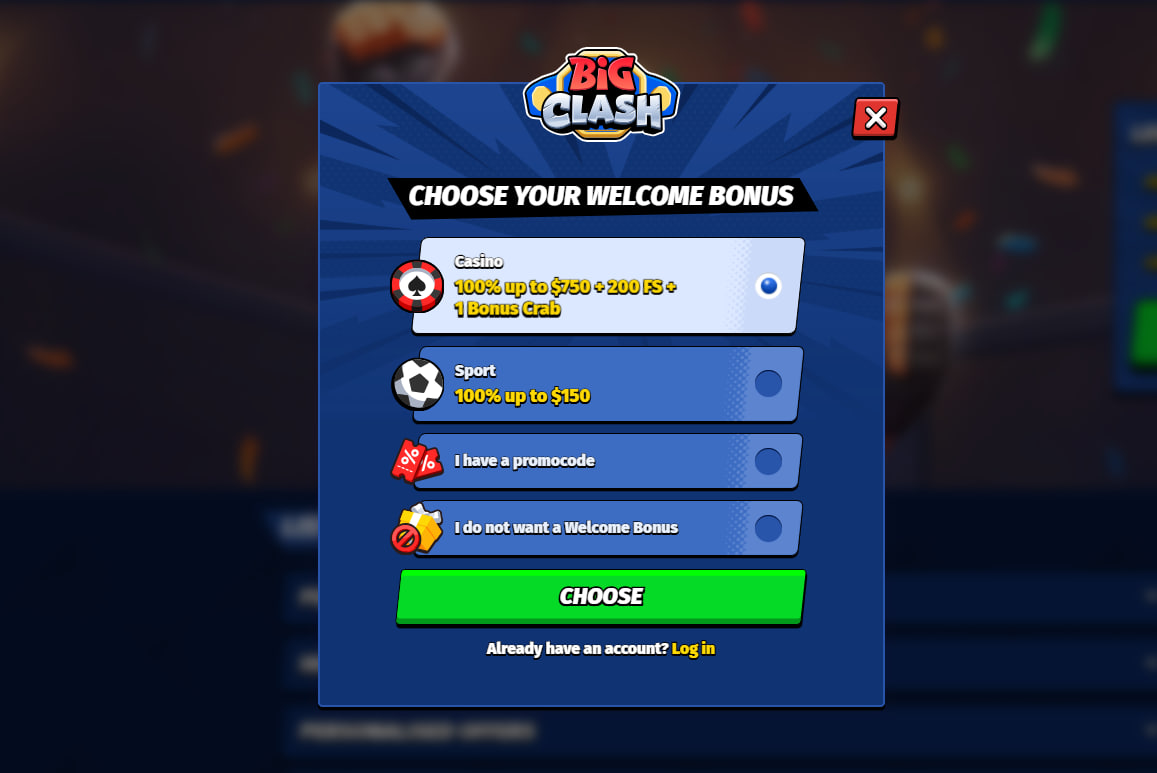
Once the email link has been clicked, the welcome package becomes available on the first deposit of A$30 or more. The complete bonus structure is documented inside the BigClash bonus guide.
BigClash Login Process
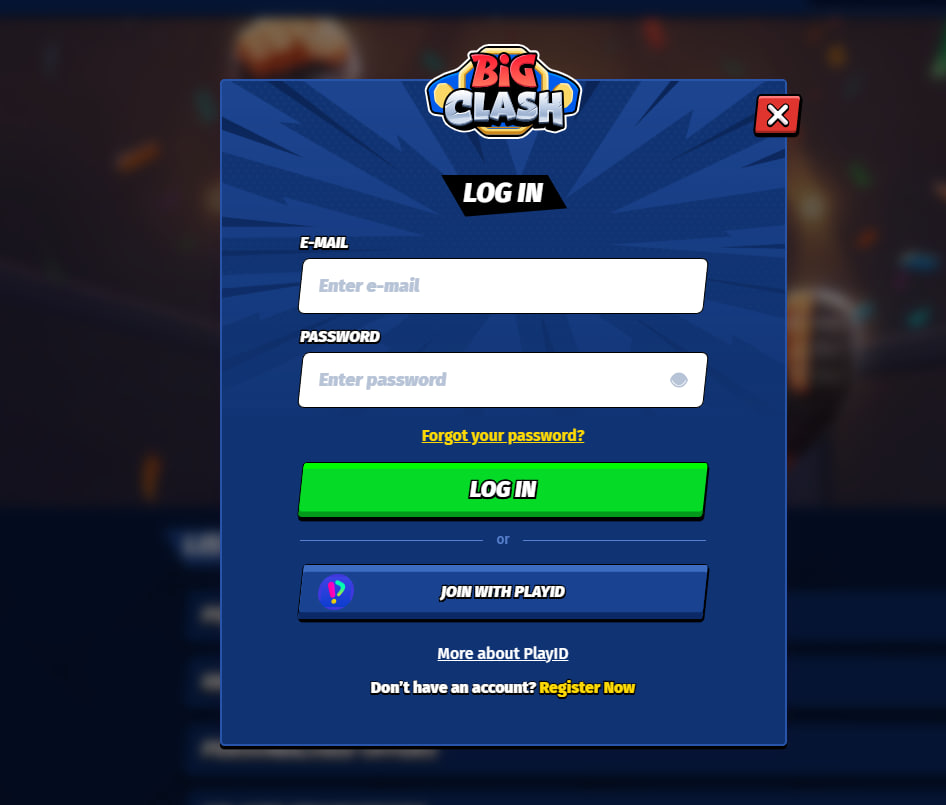
Returning Australian players access the platform through the "Login" button positioned next to "Register" in the upper navigation. The login form requests email and password; once submitted, the dashboard loads with the current balance, active bonuses, recently played games, and the cashier menu. Two-factor authentication is optional and configurable inside account settings. Mobile users sign in through the same form via Safari on iPhone or Chrome on Android, or through the installed Progressive Web App described in the BigClash app guide.
Login Troubleshooting
Login issues at BigClash typically fall into four categories, each with a clear resolution path.
Common Login Issues and Fixes
- Forgotten password — the "Forgot Password?" link on the login screen sends a reset email
- Account temporarily locked after repeated failed attempts — a 15-minute wait usually clears the lock, or 24/7 live chat can confirm the status
- Geo-block message — BigClash does not accept users from restricted territories such as the United Kingdom, Russia, or Ukraine, and the platform's terms prohibit VPN access
- Account on hold pending verification — uploading the requested KYC documents through the dashboard releases the hold
For cases that fall outside these categories, the 24/7 live chat resolves most authentication issues within minutes.
KYC Verification at BigClash
Know Your Customer verification is a regulatory requirement that activates upon the player's first withdrawal request. The process protects players from identity fraud and ensures BigClash meets its Anjouan AML obligations. All documents upload through the secure dashboard portal and are reviewed by the compliance team within 48 hours during business days.
KYC Document Checklist for Australian Players
- Government photo ID — Australian passport, AU driver's licence, or Medicare card
- Proof of address dated within the last 90 days — utility bill, bank statement, lease agreement, or council rates notice
- Payment method verification — a clear photograph of the bank card used to deposit, or a screenshot of the e-wallet account header
Common rejection reasons include blurry photographs, expired documents, or address mismatches between the registration data and the supplied proof. Industry experts recommend capturing documents in natural daylight on a flat surface and ensuring that all four corners of each page are visible inside the frame. Cryptocurrency withdrawals and bank transfers cannot release before verification clears.
Account Security and Safer Play Tools
Every BigClash account ships with 256-bit SSL encryption on data transfer, optional two-factor authentication, and a complete set of safer-play controls — deposit limits, session limits, reality-check pop-ups, and self-exclusion. Australian players who require independent counselling can reach Gambler's Help on 1800 858 858 (free, 24/7) or Lifeline on 13 11 14.

Rosamund Whitcombe
Rosamund Whitcombe reviews BigClash Casino at big-clash-cas.com, the 2025-launched site operated by NovaForge Ltd on the Soft2Bet platform under Anjouan ALSI-152406028. Covers the LARGEST pokies library in the AU series — 10,000+ titles from 80+ providers including Pragmatic Play / Play'n GO / NetEnt / Yggdrasil / NoLimit City / Hacksaw / Evolution / Spribe / SmartSoft — alongside 600+ live tables, the full integrated sportsbook sharing a single wallet, the 100%/A$750 + 200 FS welcome + signature Bonus Crab and Train Your Fighter €11,000 ladder, 4-tier VIP with 15% cashback at only 5x wagering, PayID/crypto banking, and Progressive Web App mobile.